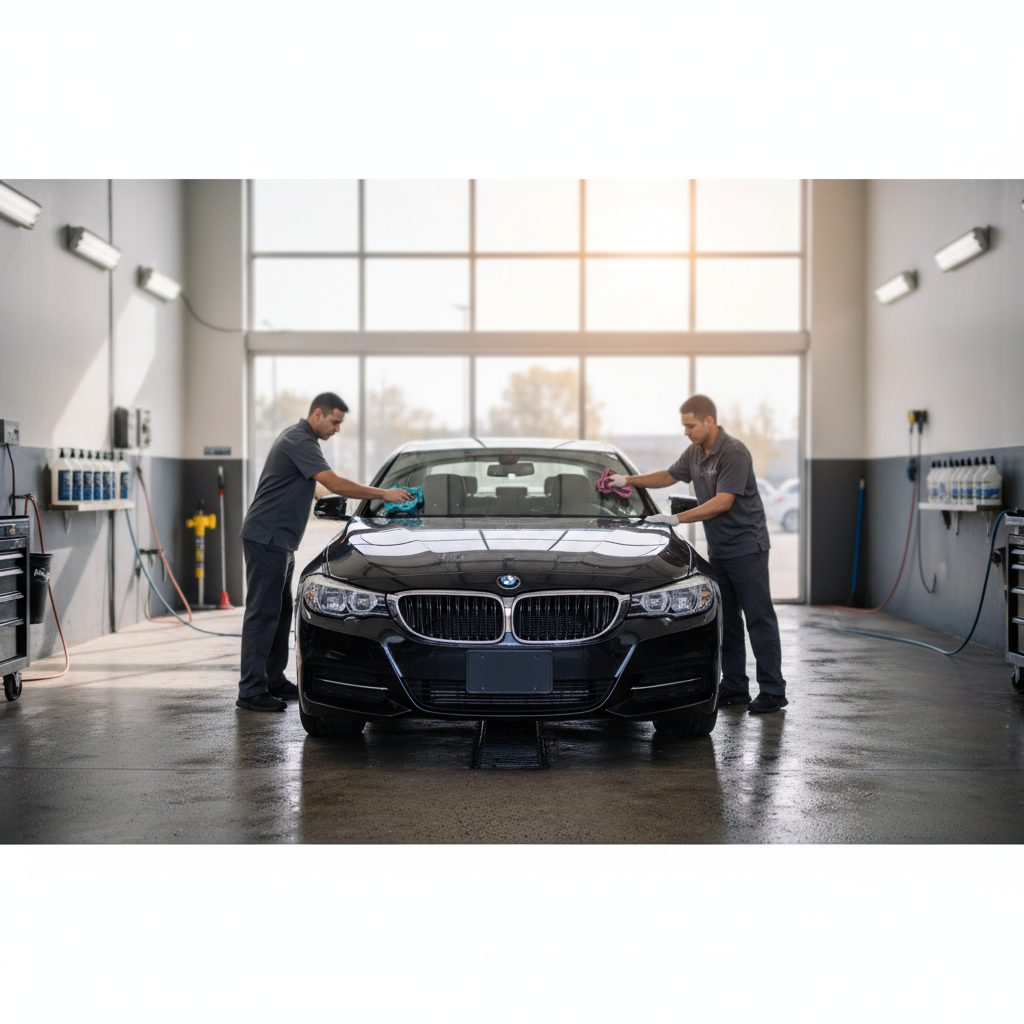
As a car wash owner, you know the power of a picture. A gleaming, perfectly detailed car sells itself. But are the pictures on your website pulling their weight? Or are they just taking up space?
Most car wash websites use generic stock photos or poorly optimized images. These photos do little to attract new customers or convince them to choose your wash. The "Local SEO Images" tactic turns your website's images into a powerful tool for attracting local customers and driving conversions.
It’s about treating every image as an opportunity to show up in local search results and tell a potential customer, "We are the best car wash right here in your neighborhood."
The Problem with Most Car Wash Photos
Walk through your own website. What do the images tell a potential customer? Most car wash sites use images that are:
- Anonymous: Generic photos of shiny cars or soap suds that could have been taken anywhere.
- Unoptimized: Huge file sizes that slow down your site, hurting your user experience and search rankings.
- Invisible to Google: Missing the key data that tells search engines what the image is about and, crucially, where it is.
These issues make your images dead weight. They don't help you rank in Google, and they don't help a visitor decide to visit your location.
The "Local SEO Images" Tactic: 3 Steps
This tactic involves embedding local signals directly into your website's images, making them magnets for local search traffic. It’s a simple, three-part process: naming, tagging, and locating.
Step 1: Name Your Images for Local Search
Before you upload a single photo to your website, you need to change the filename. A photo straight from a camera or phone will have a generic filename like IMG_7891.jpg or DSC01234.JPG. This tells Google nothing.
Instead, rename every image to describe what's in it and where you are. The formula is simple:
[Service] - [Location] - [Business Name].jpg
For example:
full-service-car-wash-austin-tx-sparkle-clean.jpgunlimited-wash-club-benefits-dallas-tx-shiny-rides.jpgself-serve-car-wash-bay-houston-texas-best-wash.jpgceramic-coating-application-san-antonio-elite-auto-spa.jpg
This simple act of renaming your image file provides a powerful local SEO signal to Google. It connects your service directly to your city or neighborhood.
Step 2: Add Descriptive "Alt Text"
"Alt text" (or alternative text) is the text that displays if an image can't load. More importantly, it's what search engines like Google read to understand the content of an image.
Your alt text should be a concise, descriptive sentence that naturally includes your main keywords. Don't just stuff keywords in. Describe the picture as if you were explaining it to someone who can't see it.
- Good Alt Text: "A clean, red Tesla receiving a hand wax at Shiny Rides Car Wash in Dallas, TX."
- Bad Alt Text: "car wash dallas tx best car wash shiny rides auto detail"
When writing alt text, think about what a potential customer is searching for. They might be looking for "best hand wax in Dallas" or "Tesla car wash near me." Your descriptive alt text helps Google connect your image (and your website) to those searches.
Step 3: Embed Location Data (Geotagging)
This is the most overlooked and powerful part of the Local SEO Images tactic. Geotagging embeds the precise latitude and longitude of your car wash directly into the image file's data (called EXIF data).
When Google crawls a geotagged image on your website, it receives a definitive signal about the physical location associated with that image. This reinforces the connection between your online presence and your real-world address, boosting your visibility in local map pack results.
Many modern smartphones automatically geotag photos if location services are enabled. You can check this by viewing the photo's details on your phone or computer. If your photos aren't already geotagged, you can use a free online tool to add the coordinates. Simply search for "online geotagging tool," find your car wash's latitude and longitude from Google Maps, and add it to your photos before uploading them to your site.
Putting It All Together
Imagine a potential customer in Austin searches for "ceramic coating for my truck." Google's image search results show a picture from your website. The filename is ceramic-coating-truck-austin-tx-your-wash.jpg and the image itself is a high-quality shot of a gleaming Ford F-150 in your service bay.
Because the image is properly named, tagged, and geotagged, Google understands its relevance to the search. The customer clicks the image, lands on your ceramic coating service page, and sees clear proof of your work and location. The path from search to conversion is short and direct.
This process does more than just help with search rankings. It improves the user experience on your website. Locally-focused images build trust and authenticity. They show customers you are a real, local business, not a faceless chain. They see pictures of your actual bays, your equipment, and the results you deliver for cars in their area.
Optimizing your website's images is a small investment of time that pays significant dividends in local search visibility and customer trust. It's a foundational tactic that many of your competitors are ignoring. If you're looking for a partner to help implement advanced local SEO and web design strategies like this, NextReach Solutions specializes in helping automotive businesses attract more local customers. By focusing on these small but critical details, you can turn your website into a more effective conversion tool.
Want help putting these ideas to work for your shop? Request a call with NextReach Solutions.