As a mobile mechanic, your business lives and dies by geography. Before a potential customer cares about your skills, your tools, or your prices, they have one critical question: "Do you come to me?" If your website doesn’t answer this question within three seconds, you’re losing business.
Most web designers build sites for brick-and-mortar businesses. They put the address in the footer and assume the visitor knows they need to travel. That approach fails for a mobile business. You don’t have a storefront; your service area is your storefront. Your website must be designed with a "Service Area First" mentality.
This means fundamentally re-prioritizing the information on your homepage and service pages to build geographic trust above all else. It’s not just about listing cities; it’s about making a potential customer feel confident that you are their local solution, even if you’re based 30 miles away.
The Three-Second "Am I Covered?" Test
When a visitor lands on your website, a mental timer starts. They are scanning, not reading, looking for an immediate signal that they are in the right place. To pass this test, your "above the fold" content—the very first screen they see without scrolling—must clearly communicate your service area.
Here’s how to do it:
- Headline as a Beacon: Your main headline shouldn’t just say "Mobile Mechanic Services." It should say, "Mobile Mechanic Services for [Your Primary City/County] and Surrounding Areas." Be specific. "Mobile Auto Repair for Dallas and Collin County" is infinitely better than a generic headline.
- Sub-headline for Clarity: Use the line directly under your main headline to add more detail. For example: "We come to your home, office, or roadside location in Plano, Frisco, McKinney, Allen, and across the North Dallas area."
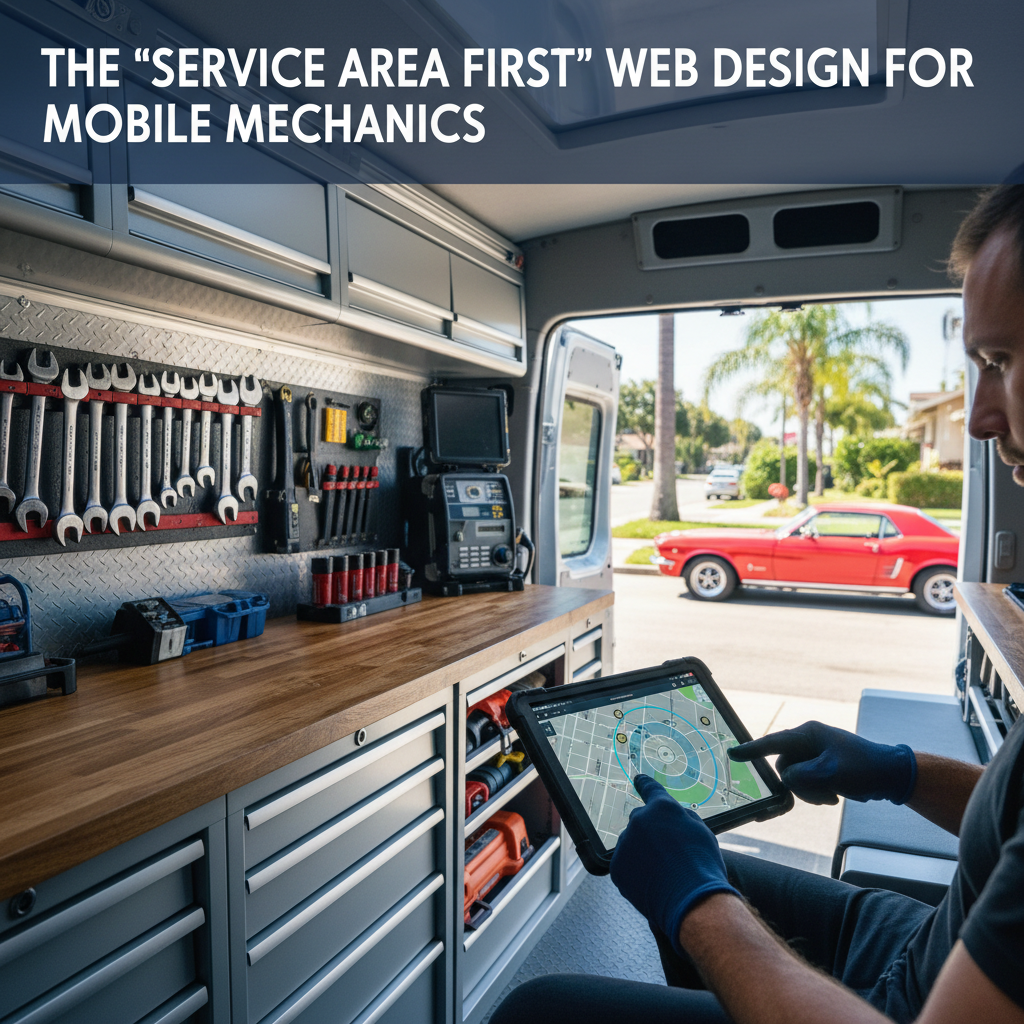
- Visual Confirmation: Use a high-quality, professional photo of your work van or truck with your logo clearly visible, parked in front of a recognizable local landmark or a typical suburban driveway. This isn’t a stock photo; it’s proof you operate in their world.
This isn’t about ego; it’s about empathy. You are immediately easing the customer’s biggest anxiety, which allows them to relax and actually consider your services.
Beyond a Simple List of Cities
Listing the towns you serve is the bare minimum. A "Service Area First" design integrates geography into the entire fabric of the website to build overwhelming proof. Your goal is to make a visitor from a secondary town feel just as confident as a visitor from your primary city.
Go beyond a basic list in your footer. Build a dedicated "Service Area" page, but don't just fill it with keywords. Create a visual and practical resource.
- Embed a Custom Map: Use Google My Maps (a free tool) to draw your exact service area boundary. Don’t just drop a pin. Trace the roads and highways that define your range. Embed this map prominently on your service area page. This visual is powerful and instantly understandable.
- Create "We Come To You In..." Sections: On your homepage and service pages, dedicate a section to listing the major towns and even notable neighborhoods or business parks you serve. Frame it as "We Come To You In..." and use bullet points for scannability. For example:
- North Dallas
- Plano (Legacy West, Shops at Legacy)
- Frisco (The Star, Stonebriar)
- McKinney (Historic Downtown, Craig Ranch)
- Allen (Watters Creek)
This level of detail shows you know the area intimately, not that you just copied a list of towns from Wikipedia.
Service Pages That Speak to Location
Your individual service pages (e.g., Brake Repair, Starter Replacement, Pre-Purchase Inspection) are a prime opportunity to reinforce your geographic relevance. A customer searching for a specific service needs to know you perform that service in their location.
Don’t use a generic template for every service page. Add a location-specific block of content to each one.
For example, on your "Mobile Battery Replacement" page, you could add a section like this:
Fast Battery Replacement in Your Dallas-Area Driveway
Don't get stuck at home or the office. We provide rapid mobile battery testing and replacement throughout Collin County and North Dallas. Whether you're in a parking garage in downtown Plano or your driveway in Frisco, our tech will arrive with the right battery to get you back on the road.
This small block of custom text does three things: it reinforces your service area, it mentions the specific service, and it speaks directly to the user’s situation. This is far more effective than a generic page and helps you rank in search for long-tail queries like "mobile car battery replacement Frisco TX."
Your Phone Number Is a Geographic Signal
For many customers, a local area code is a subconscious sign of trust. If you service a large metro area that spans multiple area codes (like the Dallas-Fort Worth Metroplex with 214, 972, 469, 817, etc.), a single phone number can feel foreign to someone outside your immediate zone.
While getting multiple phone numbers can be complicated, ensure your primary business number is prominently displayed in the header of every single page, right next to a clear call to action like "Call or Text for a Quote."
By designing your website with a "Service Area First" approach, you stop losing visitors to ambiguity. You build immediate trust, answer the customer’s most important question first, and make it clear that you are the right choice for mobile auto repair in their specific location. This focus on geography is the foundation of a high-converting website for any mobile mechanic.
If you're a mobile mechanic looking to turn your website into a more effective tool for winning local customers, this is the kind of strategic thinking we apply at NextReach Solutions. We help automotive businesses build websites that convert and visibility strategies that drive growth.
Want help putting these ideas to work for your shop? Request a call with NextReach Solutions.